


Site backup and security should be your top priority when it comes to website management and maintenance. With the rise in cyber threats, it’s essential to safeguard your website’s data. Data loss can occur due to varied reasons, including server crashes, hacking attempts, or accidental deletions. To avoid such disasters, it’s vital to have reliable backup solutions in place. In this article, we’ll explore the top WordPress backup plugins that can help UK businesses protect their valuable data and ensure business continuity.
Importance of WordPress Website Backups for Businesses
A robust backup strategy is crucial for website owners, particularly for those managing multiple WordPress sites. The potential loss of valuable data due to unforeseen events can be catastrophic. Therefore, having a solid plan in place for creating and maintaining backups provides peace of mind and ensures business continuity. Here’s how it helps:
Ensuring Data Protection
Firstly, backups protect against data loss. Regular backups of your website files and database backups are essential in safeguarding your website’s content and infrastructure. By establishing a well-defined backup process, you ensure that your data is preserved, even in the face of cyber threats or accidental mishaps.
Reducing Server Load
Website backups should be optimised to reduce server load. Employing solutions that support incremental backups can significantly reduce the impact on server resources. Incremental backups only update files that have changed, which is beneficial for minimising the strain on your servers and maintaining site speed.
Leveraging WordPress Plugins
For WordPress users, utilising the best WordPress backup plugins is crucial. These plugins not only streamline the backup process but also offer various features like automated backups and support for multiple cloud storage options. The best backup plugins for WordPress take automatic backups without manual intervention, saving time and effort.
Choosing Cloud Storage
Popular cloud storage services offer multiple cloud storage options for website backups. Opting for cloud solutions not only provides a secure off-site location for your backups but also enhances accessibility. By selecting a free version or premium plan that aligns with your needs, you can store your backup files with reliability.
Implementing a Backup Schedule
Ultimately, creating a backup schedule tailored to your site’s activity level is paramount. For businesses with high-traffic websites or those running multiple WordPress sites, automatic backups should be frequent to ensure that the most recent version of the site is always available. By adhering to a consistent schedule, businesses can maintain solid backups that are easy to restore when needed.
How Seahawk Media Helps UK Businesses with Website Backup and Maintenance?
Seahawk Media offers UK businesses a comprehensive solution for website backup and maintenance. Our holistic approach not only safeguards your site’s data but also enhances its performance, giving website owners peace of mind.
Efficient Website Backup Solutions
We understand the importance of having the right backup plugin for effective data security. Our Cloud backup service encompasses both full backups and differential backups, allowing users to back up and restore their entire site or just the changed files efficiently. This approach saves storage space and reduces strain on server resources, ensuring your website runs smoothly.
Furthermore, we ensure seamless integration with popular storage options like Google Cloud, offering off-site backups for added security. This cloud storage integration provides the flexibility to store backup copies in multiple locations, making it easy to restore your site to a previous state with just a single click.
Advanced Maintenance and Security Features
Our services extend beyond backups to include robust security measures, such as regular security audits and 24/7 monitoring for suspicious activity. Our website security solutions are designed to protect against potential threats, providing an extra layer of safety for your website.
Additionally, we ensure your site stays updated with the latest security features and core files. Automatic updates are a key feature of our service, with regular updates to both WordPress itself and other plugins. This proactive approach minimises potential issues before they become serious threats.
User-Friendly and Customisable Tools
We utilise a user-friendly interface accessible through the WordPress dashboard, where we can manage backups and monitor the site’s performance using plugins.
For advanced users, Seahawk Media offers custom configurations and advanced features that cater to individual needs. The tools are designed to be intuitive for both small businesses and large websites, allowing us to schedule weekly backups or daily backups with ease.
Our premium support ensures businesses receive dedicated support every time they need assistance. The restoration process is also simplified, allowing site owners to use the restore functionality to bring their site back to its last backup without requiring manual intervention.
Comprehensive Backup and Maintenance Strategies
Seahawk Media’s comprehensive backup plan includes uptime monitoring and email notifications when issues arise, keeping us informed of your site’s status at all times. This allows us to make informed decisions and take timely action to maintain the site’s integrity.
Simply put, Seahawk Media is the go-to provider for UK businesses seeking reliable website backup and maintenance services. By offering comprehensive services with powerful features, we ensure that your site remains protected and performs exceptionally well.
With additional features like one-click restores and extensive testing of backup restore processes, we give website owners the confidence that their site is in capable hands, ready to face any potential threats.
Don’t Let WordPress Website Maintenance Stress You Out!
Our UK-based experts are here to provide top-notch maintenance services, ensuring your website stays secure and up-to-date.
Top WordPress Backup Plugins
Here are some of the most popular WordPress backup plugins that provide comprehensive backup solution and security for your online assets.
BlogVault
This is a comprehensive backup and security solution for WordPress websites. It offers real-time backups, one-click staging, and easy migration features.
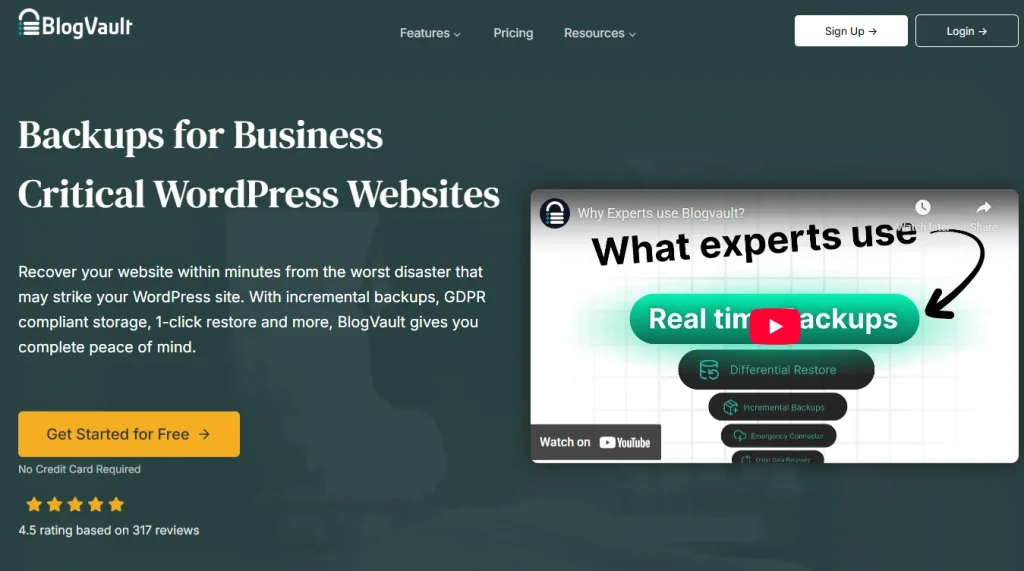
What sets BlogVault apart is its incremental backup technology, ensuring efficient resource usage. The plugin also includes malware scanning and firewall protection, making it a great choice for UK businesses seeking robust security.
UpdraftPlus
UpdraftPlus is one of the most popular and trusted backup plugins for WordPress. It offers a straightforward dashboard that allows you to schedule automatic backups.
You can choose the backup frequency: daily, weekly, or monthly. You can store backups in various locations, including cloud storage services like Google Drive, Dropbox, and more. This plugin also features one-click restoration, making it easy to recover your website in case of data loss.
Read: Strategies for WordPress Maintenance, Care and Risk Management
BackWPup
BackWPup is another reliable backup plugin that is suitable for UK businesses. It provides both free and premium versions, allowing you to choose a plan that suits your needs.

With BackWPup, you can create complete website backups and store them in multiple locations. The plugin also supports encryption to keep your data secure. Additionally, it offers scheduling options and integration with cloud storage services.
Jetpack VaultPress Backup
Jetpack VaultPress Backup is a premium backup and security plugin developed by Automattic, the company behind WordPress.

It offers automated daily backups, real-time security scanning, and one-click restoration. VaultPress is a solid choice for UK businesses that require top-notch security and backup features. It’s integrated with Jetpack, providing a holistic solution for website management.
SolidWP
This is a premium WordPress backup plugin that offers a plethora of features to protect your website.
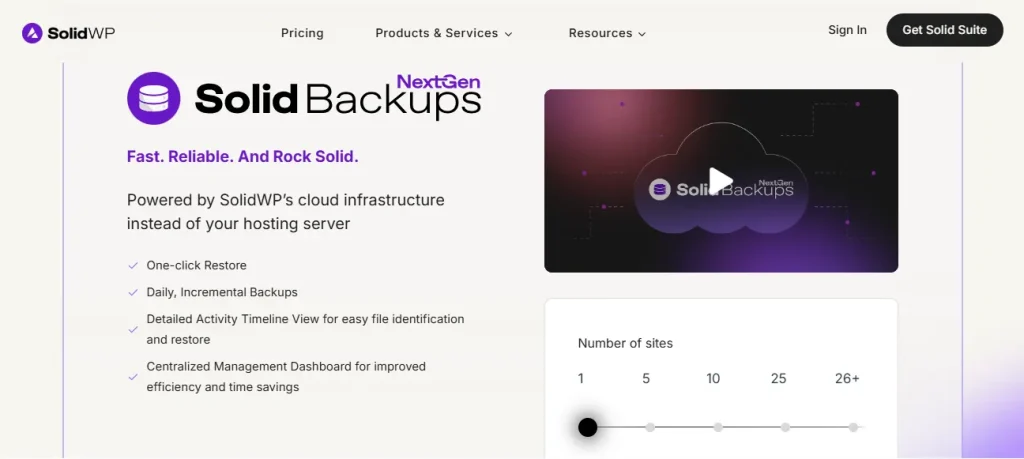
With SolidWP, you can schedule backups, store them off-site, and even migrate your website to a different domain. The plugin also provides malware scanning and repair, making it an excellent choice for UK businesses concerned about security.
Duplicator
Duplicator is a versatile plugin that not only helps with backups but also facilitates site migration and cloning.
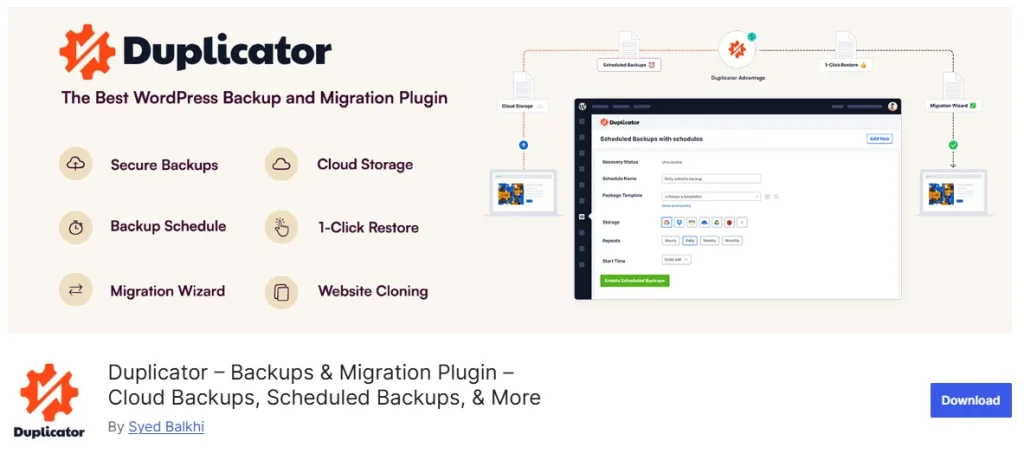
It’s a free plugin that allows you to create and download backups easily. While it doesn’t offer automatic scheduling, it’s an excellent option for manual backups and website transfers. UK businesses looking for a cost-effective solution will find Duplicator useful.
WP Time Capsule
WP Time Capsule is a backup plugin designed with simplicity in mind. It allows you to schedule automatic backups, which are stored in your preferred cloud storage, including Dropbox, Google Drive, and Amazon S3.
WP Time Capsule provides an intuitive user interface and a handy feature called ‘snapshot.’ This feature allows you to view your site at different points in time and restore it to a specific snapshot.
In Conclusion
In the digital age, safeguarding your business website is paramount to ensure uninterrupted online presence and customer trust.
Data loss (or theft) can occur due to many reasons, but with the right WordPress backup plugin, you can minimise the risks. For UK businesses, it’s crucial to choose a backup solution that suits their specific needs and budget.
The choices are diverse, from free options like Duplicator to premium services like BlogVault, VaultPress and BackupBuddy. Consider your website’s requirements, the frequency of backups, and your budget when selecting.
Remember that a reliable backup plugin can be a lifeline for your business, ensuring that your data is secure and safe. Plus, it can be easily restored in case of an unfortunate event.
FAQs About WordPress Website Backups
What is the best way to back up a WordPress site?
The best WordPress backup method involves using one of the best WordPress backup plugins, such as UpdraftPlus or BlogVault, as they offer solid backups and advanced features, including incremental backups.
How do automated backups work?
Automated backups work by regularly creating backups of your website without requiring manual intervention. They ensure that new content and changes are safely stored on a schedule you can easily set.
What should I consider for site migration?
For site migration, using a plugin that supports both backup and migration features is crucial. It’s the best choice to facilitate a smooth transfer in one go, ensuring no data is lost.
Why are incremental backups beneficial?
Incremental backups are beneficial because they save time and server resources by only backing up data that has changed since the last backup, rather than backing up your entire site each time.
What are the advantages of using Amazon S3 for backups?
Amazon S3 is a top choice for backup storage due to its reliability and scalability. It allows you to store backup data offsite securely and access it easily when needed.
How often should I schedule backups?
It’s advisable to schedule backups at regular intervals, such as daily or weekly, depending on your site’s activity and how frequently you update new content.
Which backup plugin offers the most advanced features?
UpdraftPlus offers a range of advanced features, making it a top choice among WordPress admins for its ease of use and the ability to handle different types of backups seamlessly.


